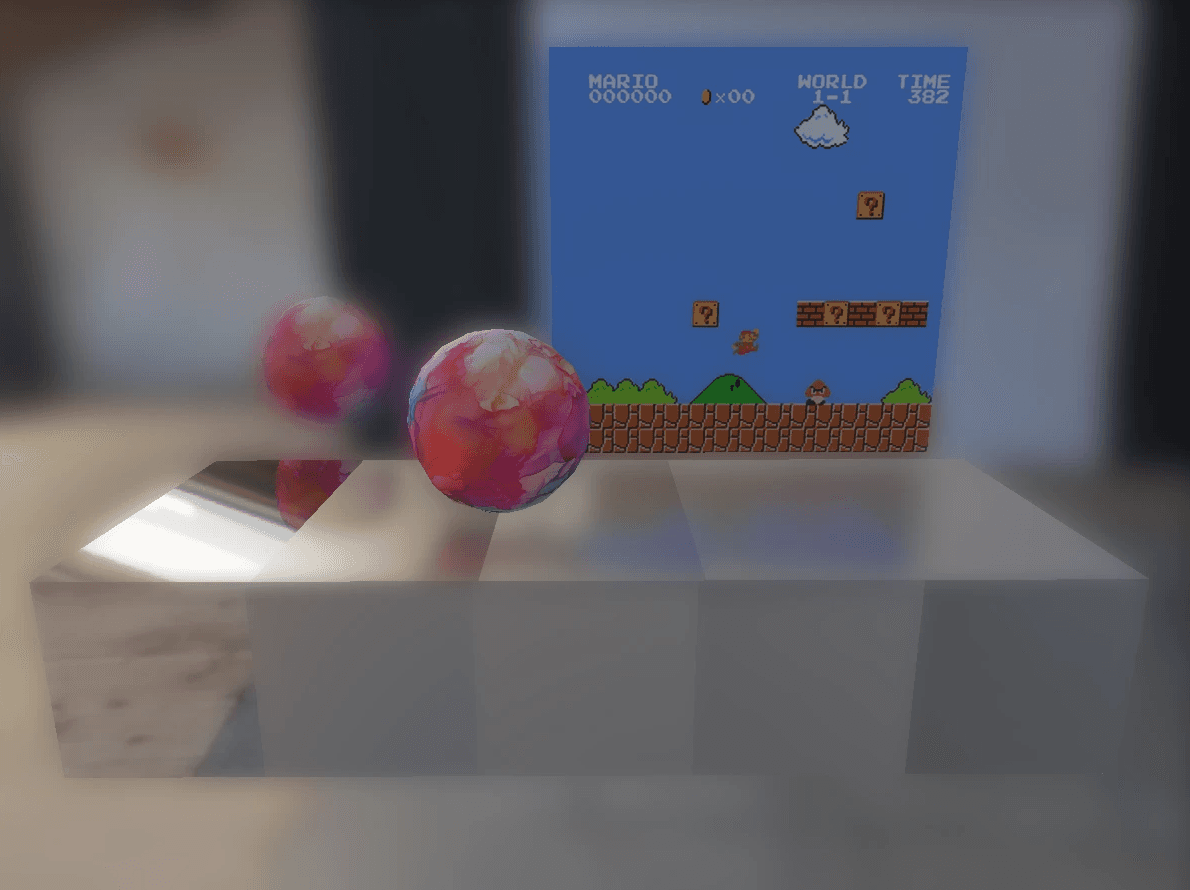
Using OpenGL and C++, I made a Realtime PBR Renderer. This renderer can be seen as a realtime approximation of the pathtracer I made. It's meant to look almost as good while running fast enough to be used in games. The project is based off of this Unreal Engine 4 paper. The renderer features Point Lights, Image-Based Lighting, Screenspace Reflection, Depth of Field, and SDF Raymarching.
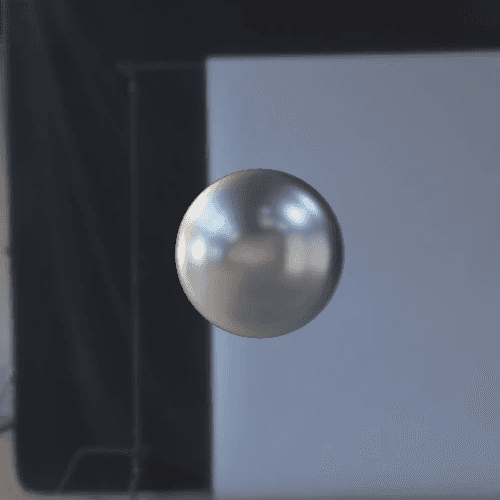
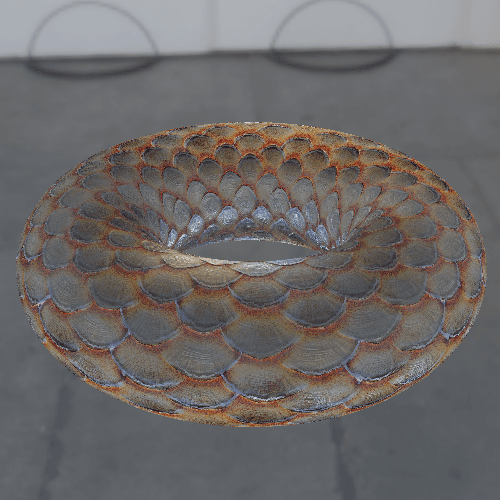
I implemented Point Lights first because they were the easiest to translate from a pathtracer: for each light vector coming out of an object, there's only one possible vector that light can come in from, so we don't have to integrate over an entire hemisphere of directions like in the pathtracer. We use the Cook-Torrance BRDF along with this information to shade the object.
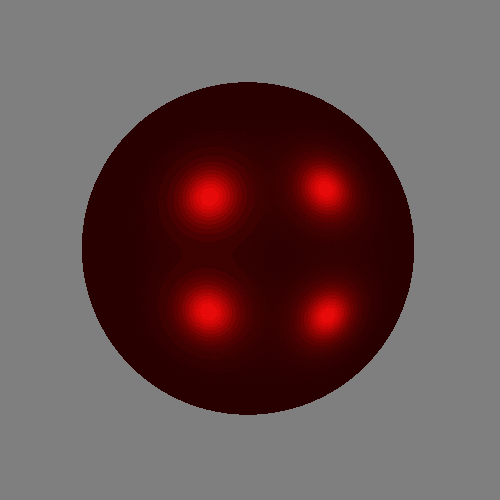
High Metallic and Low Roughness

Low Metallic and High Roughness
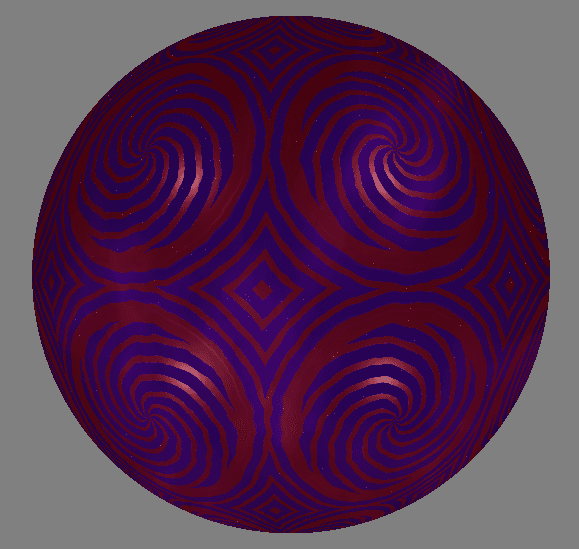
Albedo, Metallic, and Roughness varying according to noise and 2D SDFs
I implemented Image-Based/Environmental Lighting next. It required a lot of caching to run in realtime. This is because, for each outgoing light vector coming out of a point on an object, we want to avoid sampling tons (an entire hemisphere's worth) of incoming light vectors that may bounce onto the outgoing light vector. Avoiding this for our diffuse and specular components required slightly different solutions, but in both of them, we essentially cache entire hemispheres of incoming light on startup so we can just refer to the cache to get hemispheres of incoming light instead of doing tons of samples like in our pathtracer. For more information, feel free to look here for the diffuse component and here for the specular component.
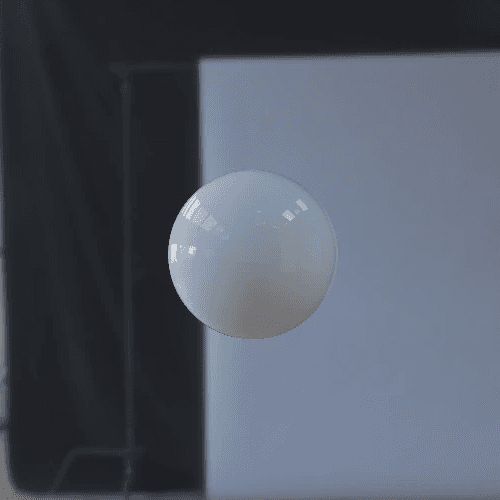
Plastic Sphere
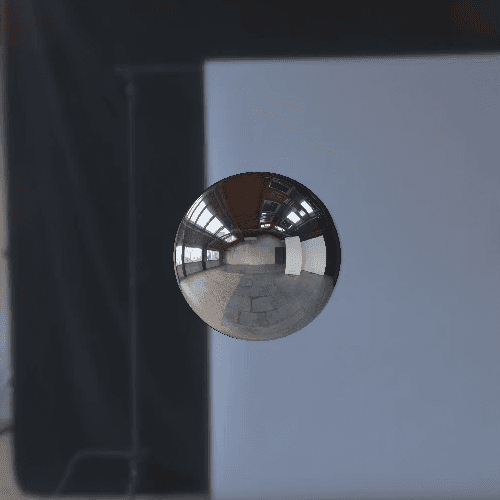
Chrome Sphere
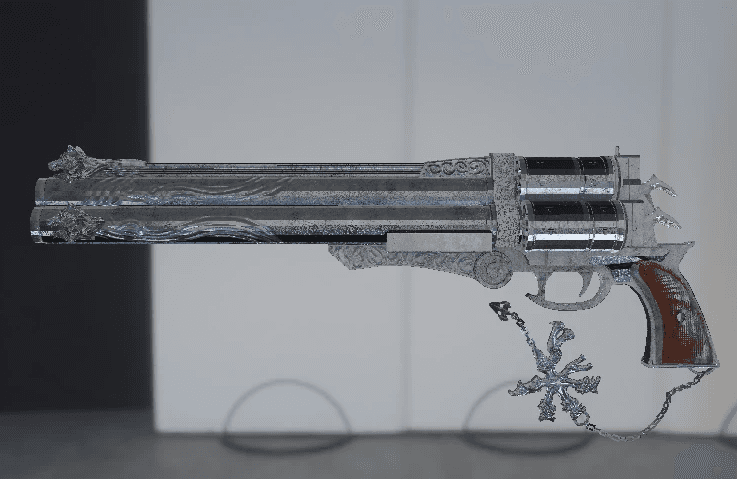
Revolver Model
Screenspace Reflections were implemented next. Since our realtime renderer is rasterized instead of pathtraced, we can't just sample an object's reflection by reflecting a light vector and sampling the scene. We don't have access to scene information on the GPU unless we wanted to use some raytracing method like iterating through all triangles which would be very costly. Instead of doing that, we can use deferred rendering to get the normal, position, and albedo of all fragments visible to the camera using 3 textures respectively. Using this information which we put in the 'geometry buffer', we can reflect an outgoing light vector to get an incoming light vector which we use to sample the scene by raymarching our position texture. Conceptually, we use the position texture as a point cloud that holds the scene geometry that's visible to the camera. We march along this point cloud to find a reflection. Once we get a reflection and compute the light energy at that point we can put it in a 'reflection texture'. After this reflection texture is filled, every pixel in it will contain the color of the reflection at that pixel. We can then progressively blur this reflection texture to account for different levels of surface roughness of our objects. We then use the reflection texture in our PBR shader and LERP between the different blur levels depending on the surface roughness.

Reflection Texture after 1 Blur
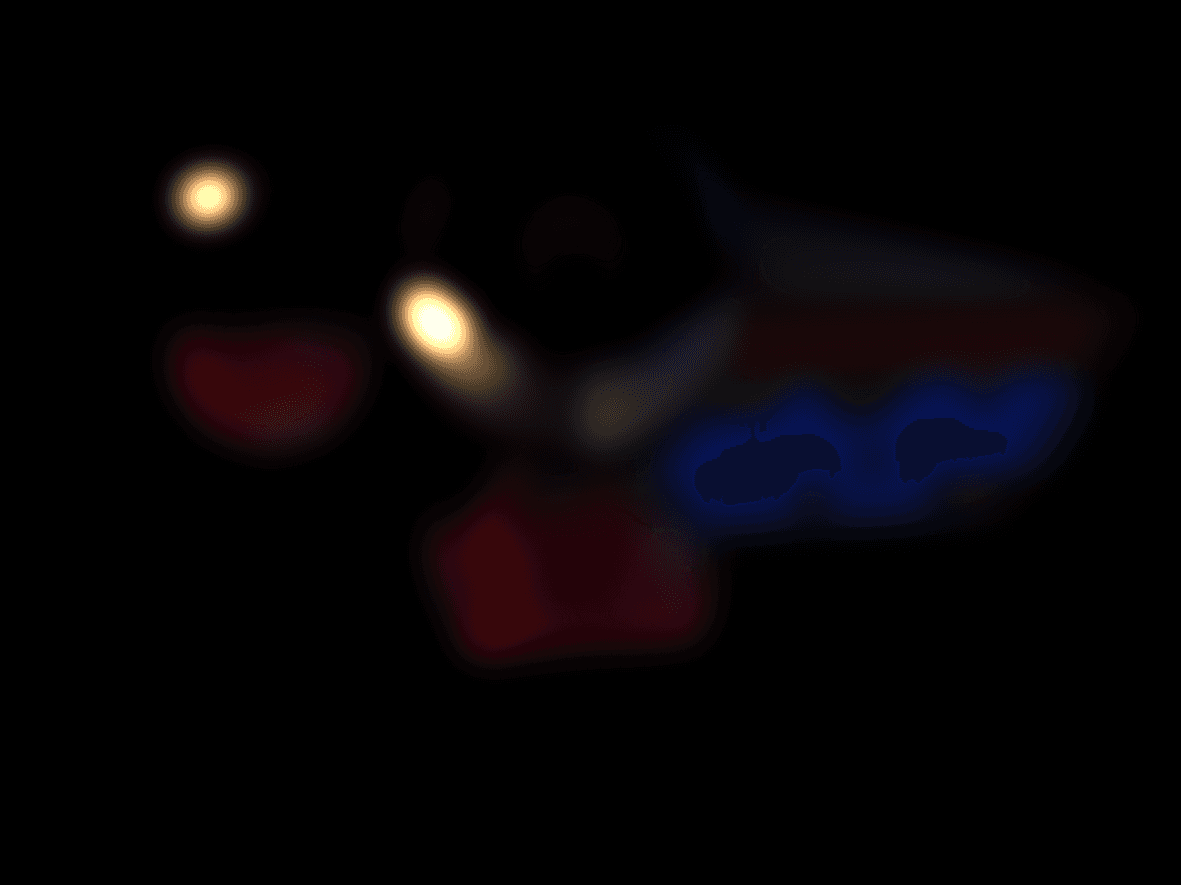
Reflection Texture after 5 Blurs
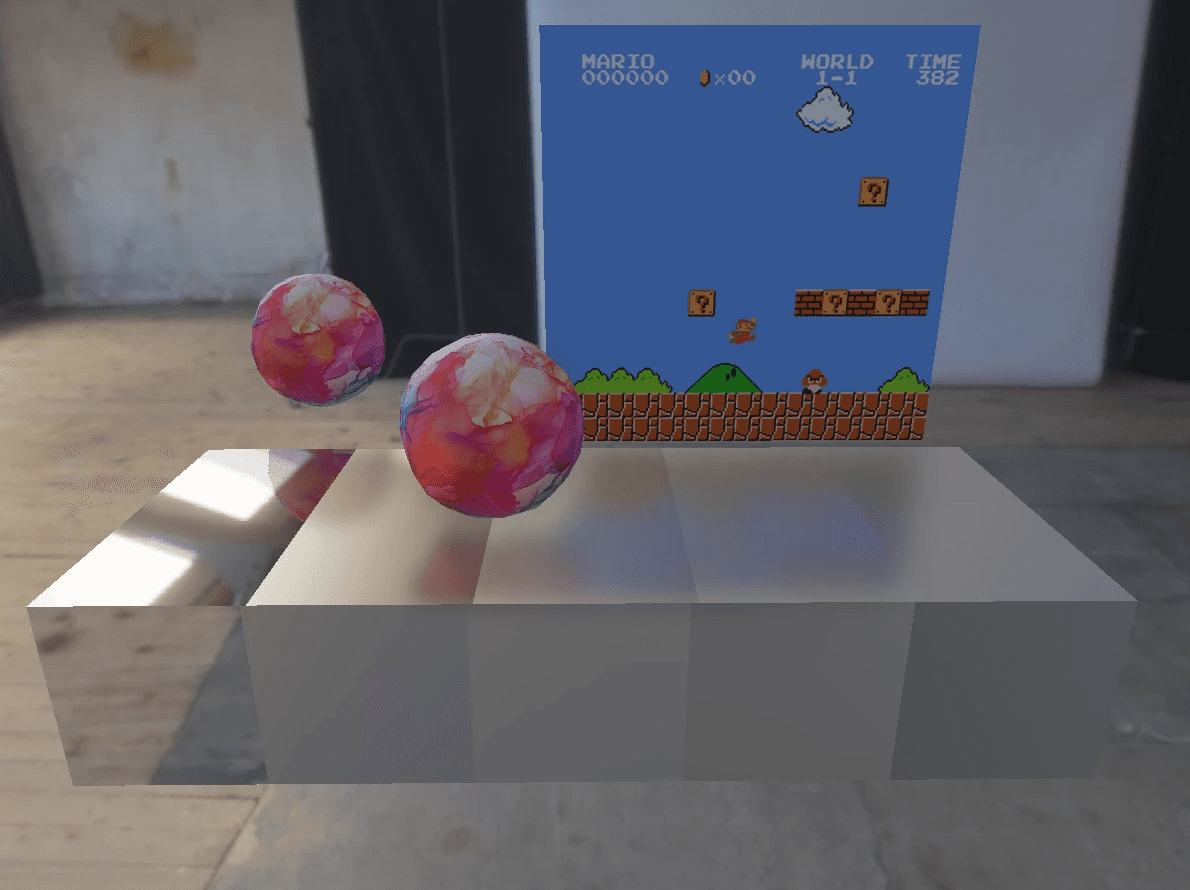
Combined Result
Since screenspace reflections only work when the reflections are visible to the screen, I also implemented effects that smoothly fade out the reflections into places where screen space reflection is impossible. There are also techniques to make these screenspace reflections more physically accurate, like Stochastic Screen-Space Reflections presented at SIGGRAPH 2015.
Next, I implemented an approximation depth of field by creating different versions of the rendered image with increasing levels of blur just like how the reflection texture was progressively blurred, and then LERPed between them based on the depth of the fragment being rendered.
Depth of Field Result
Finally, I implemented a Raymarcher to render SDFs with the PBR techniques. I made a cage SDF to test renderer.
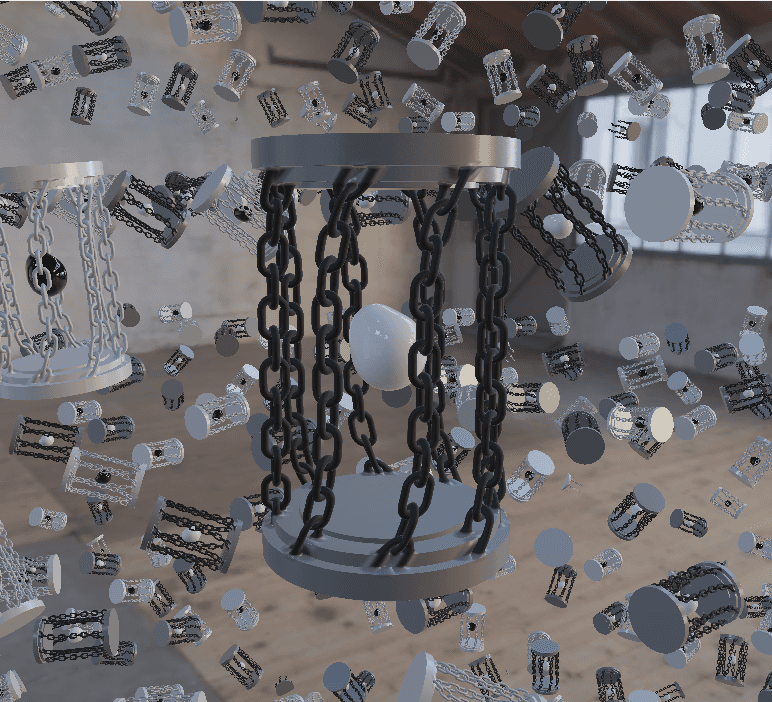
Lots of Cages